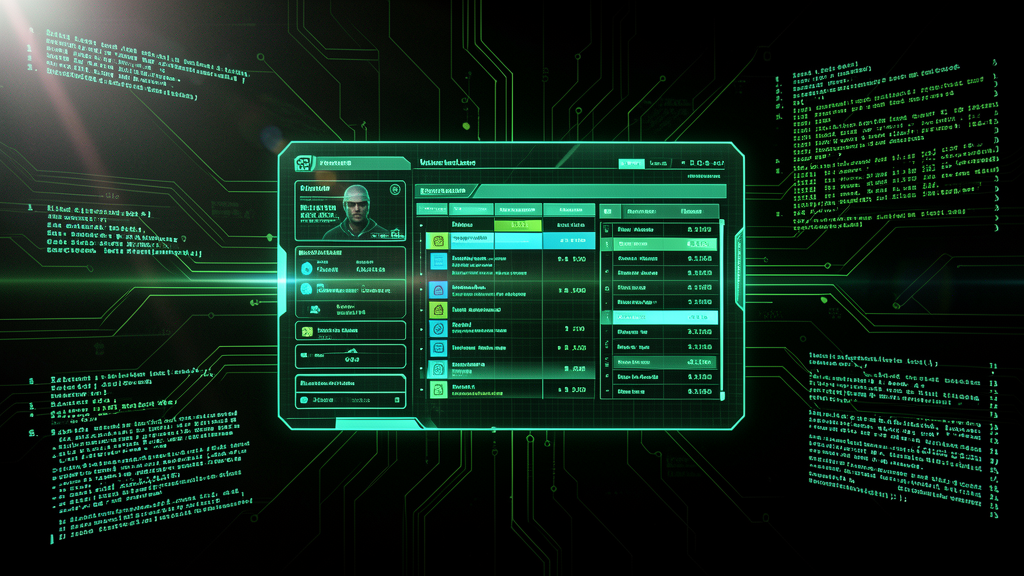
A physical dashboard for Hermes Agent — built on an M5 StickS3, forged through dead ends, debug serial output, and one decisive refactor that changed everything.
HermesLens is a community-facing physical dashboard that puts your AI agent team on a screen you can touch. Four pages — Agents, Tasks, System, Usage — polling a Python backend every ten seconds, rendered on a 240×135 TFT driven by an ESP32-S3. It sounds simple. Getting there was not.
The Vision
The goal was a glanceable, always-on window into a running Hermes Agent setup. No browser tabs, no CLI. Just a dashboard sitting on the desk that answers three questions instantly: who is working, what is blocked, and how much is this costing me.The M5 StickS3 was the obvious hardware — compact, WiFi out of the box, a color display, buttons, and touch. The backend would be a thin FastAPI service reading Hermes's own data files (state.db, gateway_state.json, kanban.db) without ever writing to them. Read-only. Safe.
Four pages, four answers: Agents (name, role, status, current task), Tasks (kanban counts by state), System (platforms, sessions, cron jobs), and Usage (model, tokens, cost). Hardware buttons and touch swipe navigate between them. Long-press overlays show details.
The Captive Portal Grind
Before there was a dashboard, there was the captive portal. The device boots, creates an open WiFi network called HermesLens-Setup, and the user enters their home SSID, password, and backend URL. Simple UX. Hard to build.For a long stretch the portal wouldn't save. The form submitted, the device rebooted, and the config was gone. We were going in circles — chasing display bugs, chasing boot order, chasing NVS writes — without ever reaching the dashboard.
The refactor that unblocked everything
The decision was to stop chasing the display and fix the portal alone. One bottleneck at a time. We stripped the firmware back, traced the HTTP POST handler, verified the NVS read/write path with serial debug output at 115200 baud, and identified why the config wasn't surviving the reboot.Once the portal saved correctly and the device booted to the dashboard, everything else fell into place. The display work — overflow guards, alignment, spacing across all four pages — became straightforward because we finally had a stable target to iterate against.
The Usage Cost Bug
After the portal was stable, a new bug surfaced. The Usage page showed Overall $0.00 — even though the backend was clearly returning 6.93. The dashboard was lying in plain sight.The root cause was on the firmware side. estimated_cost_usd was being read from the JSON response with a C-string fallback on the ESP32 Arduino core that silently produced "0.0". The fix was one line: parse it as a float directly from the JSON object instead of going through the string fallback path. js["estimated_cost_usd"] | 0.0f.Verified working. Real dollars, real numbers, on the screen.
What It Is Now
The backend is a FastAPI service running from the repo — python server.py from the backend directory. It reads Hermes's own local databases and state files, exposes two endpoints (/api/health and /api/status), and never touches ~/.hermes as anything other than a reader.The firmware is C++ on PlatformIO. Three binaries are flashed at specific offsets — bootloader at 0x0000, partitions at 0x8000, firmware at 0x00010000. The device creates its own WiFi access point for setup, persists credentials in NVS, and boots straight into the dashboard. Physical buttons navigate; touch swipe works. All four pages render with overflow guards so long agent names or large numbers don't break the layout.
Verified end-to-end: M5 StickS3 at 10.0.0.176, backend at 13.0.0.3:8123, config survives reboots, all pages render correctly.
What's Next
The remaining work is hardening: collector timeout handling for slow backend responses, an optional errors field in /api/status so the M5 can show stale-data state instead of zeros, and unit tests for config validation. After that, community release with the docs and repo packaging.But the core — the dashboard that polls, renders, and survives — is done. The portal works. The numbers are right. The screen is alive.
Lessons learned
One-bug-at-a-time is not just a workflow. It is a survival strategy. The moment we tried to fix the display while the portal was broken, we made no progress. The refocus — portal first, everything else after — was the turning point.Serial debug output at 115200 baud is worth more than guessing. The NVS persistence issue wasn't mysterious once we watched the boot logs line by line.